
Participant flights added to the back office
You can now enter and manage participants’ flight information from the back office. Just follow these steps 🚀
In the participant list, click the cell in the flight column:

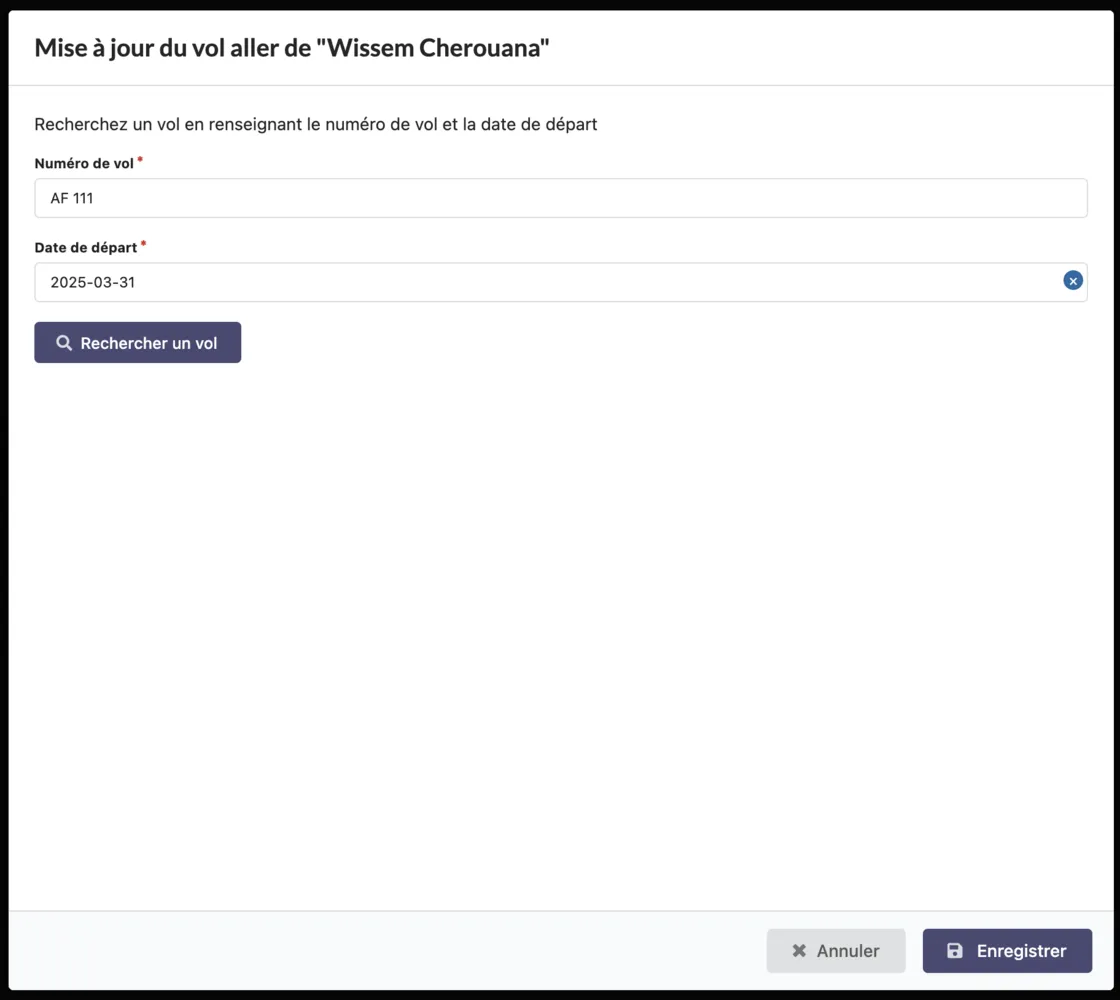
A popup opens where you select:
- The departure date
- The flight number
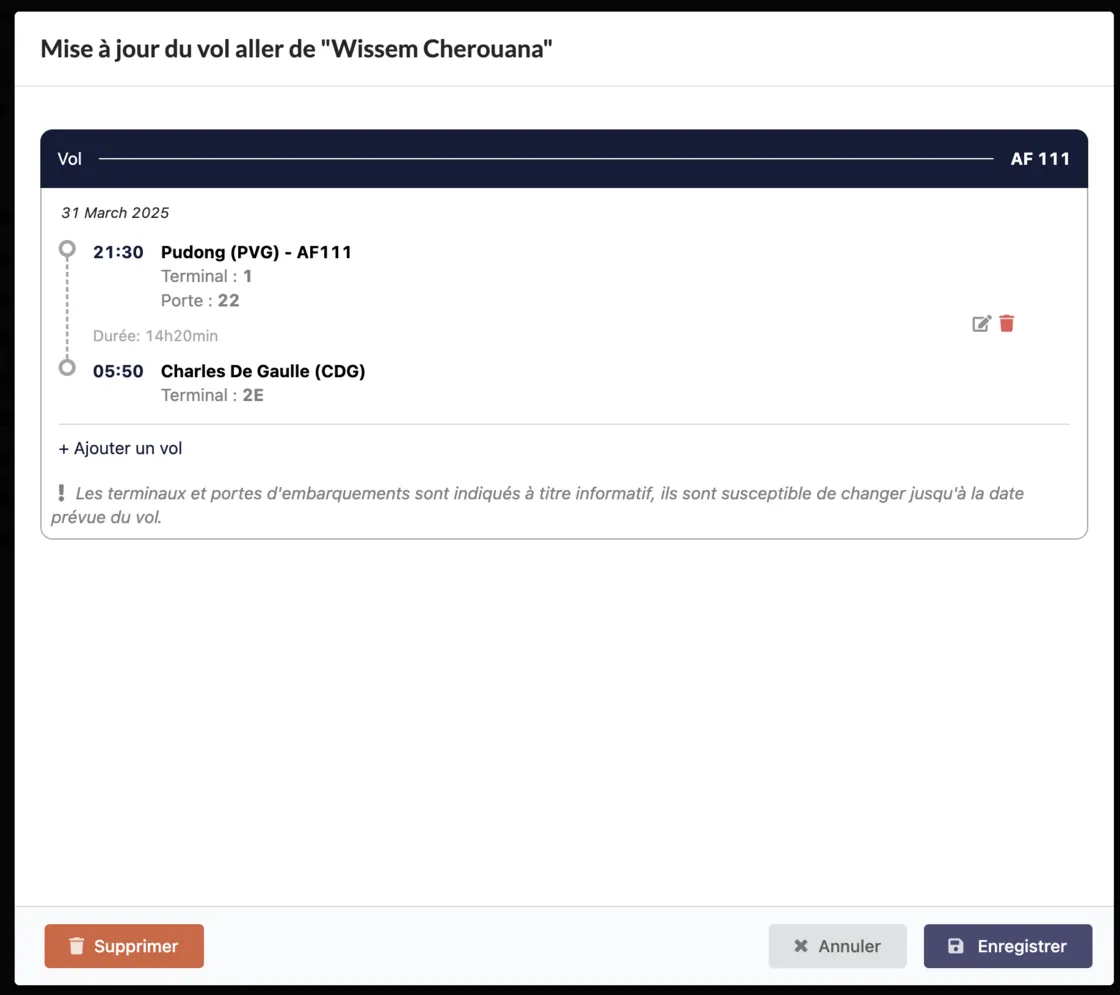
A connection is then made to the Amadeus API to retrieve the flight information (airline, departure and arrival times, departure and arrival airports, terminal and boarding gate…)
You can still edit the flight afterward: 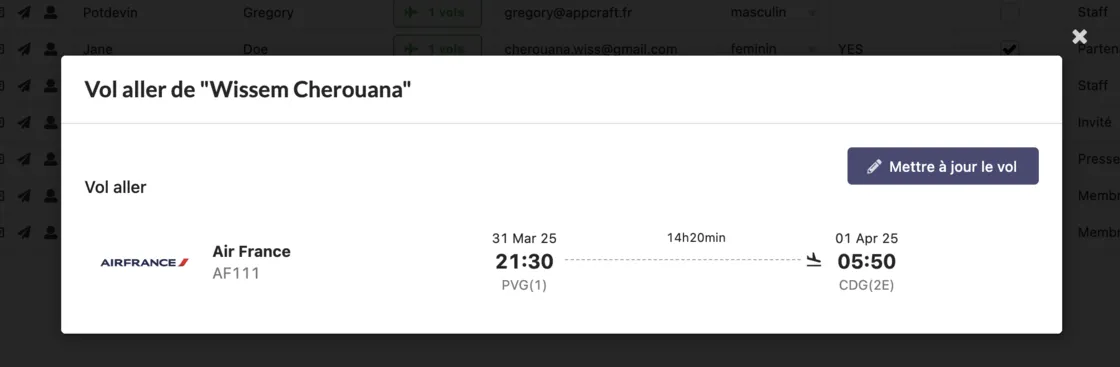
✅ Benefits:
✔️ Time savings: No more entering all the information by hand
✔️ Greater reliability: Data retrieved directly from Amadeus
✔️ Better organization: Accurate tracking of participants’ flights