
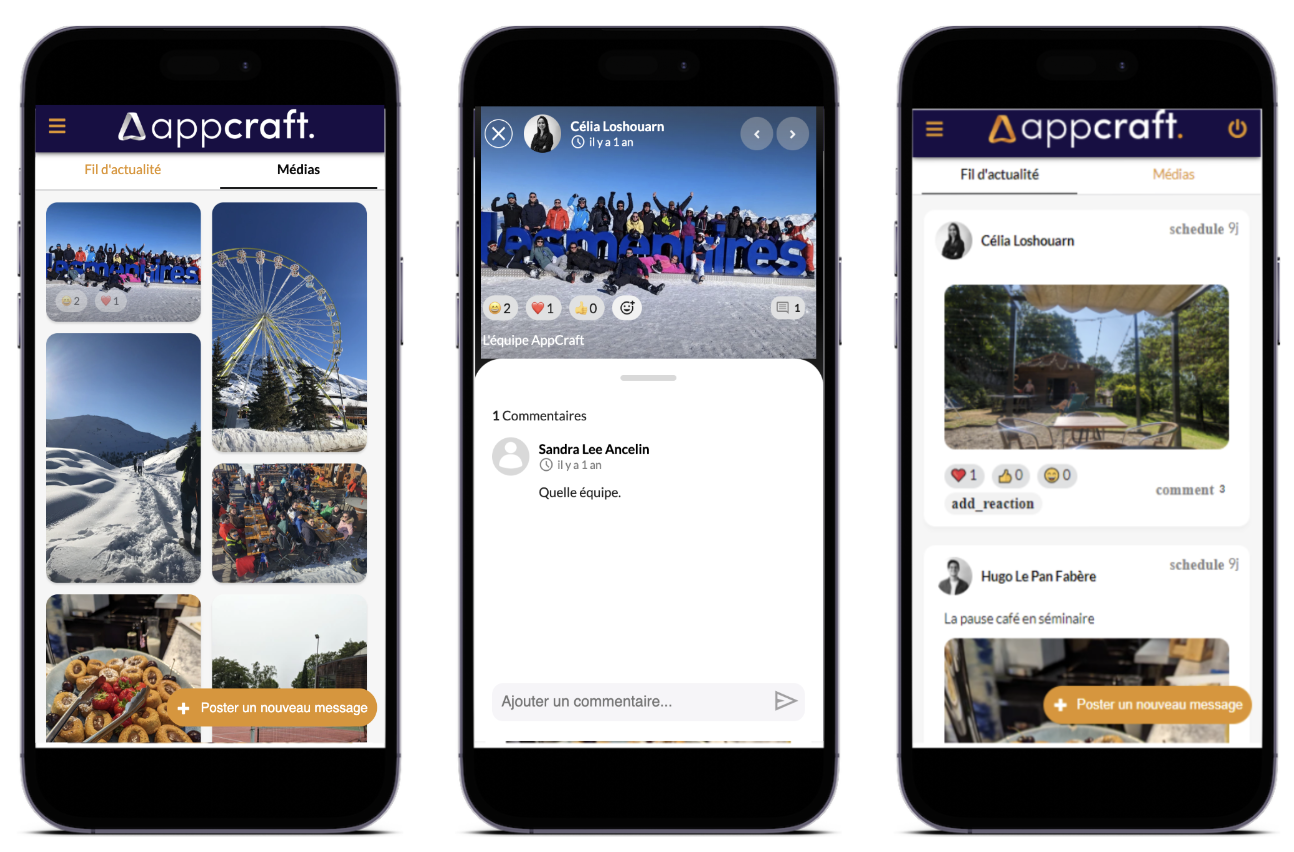
Participants publish their content directly from their phone or computer.
Approved messages and photos are instantly displayed on the Social Wall, creating continuous animation during the event.
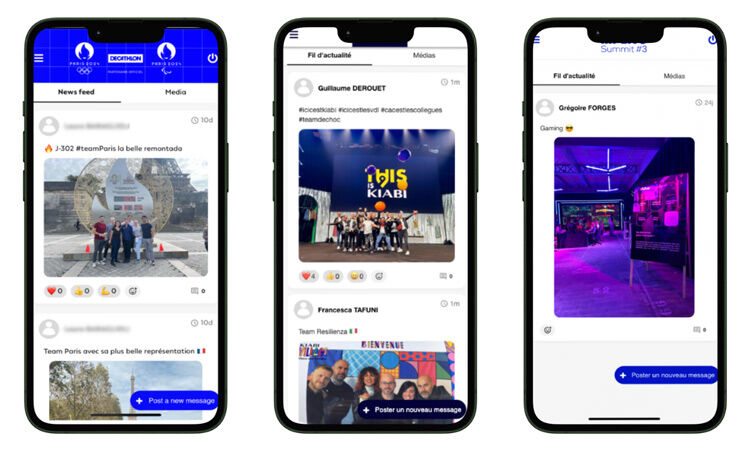
Participants can react to posts with likes, emojis, and comments, promoting spontaneous exchanges and a strong sense of community.
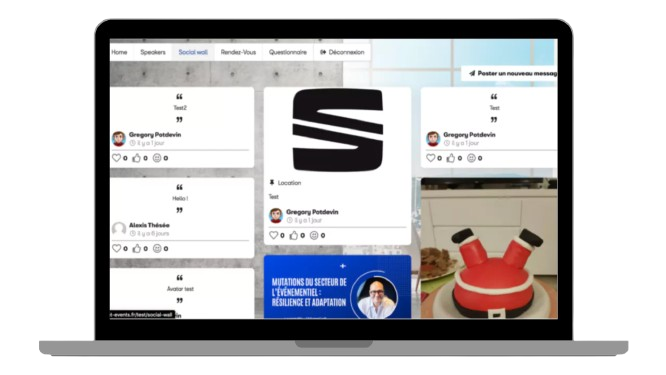
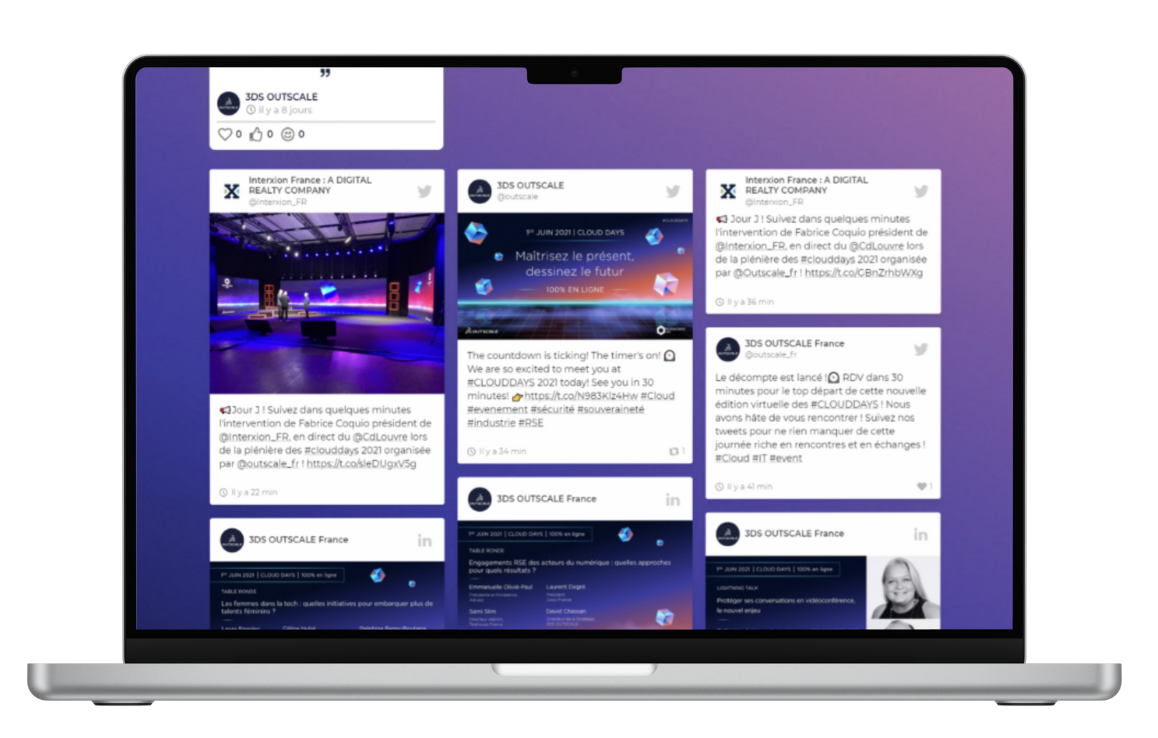
The organizer retains complete control over the content displayed thanks to manual moderation from the back office.
Moderation using artificial intelligence also makes it possible to detect and block inappropriate content.
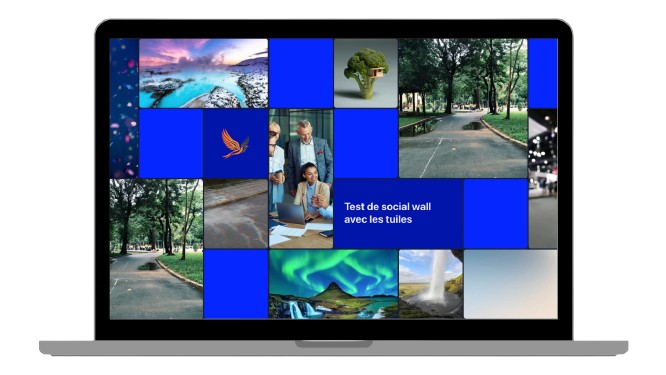
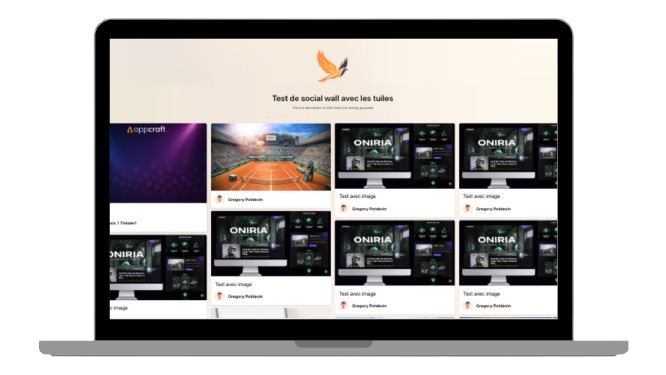
Several display modes are available to suit different event formats:Polaroid, Masonry (ideal for TV screens), and animated dynamic tiles, for a lively and immersive visual experience.
• On a computer or phone: each participant can post a photo or text before, during, and after the event, and others can react with a Like, Emoji, or comment.
• Creation of an automatic online album, shared with all participants
• In the back office: manual moderation, design management, one-click content uploads, and statistics on the most "liked" content
• Unlimited distribution of content
• Option to pin certain content
> The organizer has the option to moderate published content.
> AI moderation for suggestive or sexual content.
Excluding equipment rental costs
• Display on large screens (TV, LED wall, video projector) with automatic content refresh
• Choice of a single display mode per event, ensuring visual consistency across all screens
Posts on the Social Wall are not anonymous, in order to ensure responsible and high-quality discussions.
Anonymity is reserved for question-and-answer (Q&A) modules.
• Creates a participatory atmosphere and encourages exchanges between participants
• Promotes engagement and allows participants to show their appreciation for others' contributions
• Strengthens the sense of community and belonging to the event
• Create an immersive and stimulating visual environment
• Provides complete control over displayed content and facilitates user experience management
• Optimized for physical, hybrid, and digital events
• Significantly increases visual engagement on site through display on screens
The AppCraft Social Wall is designed based on concrete customer feedback and real-world event usage.
Display modes and features are evolving to meet the constraints of physical events, from plenary sessions to networking spaces.


