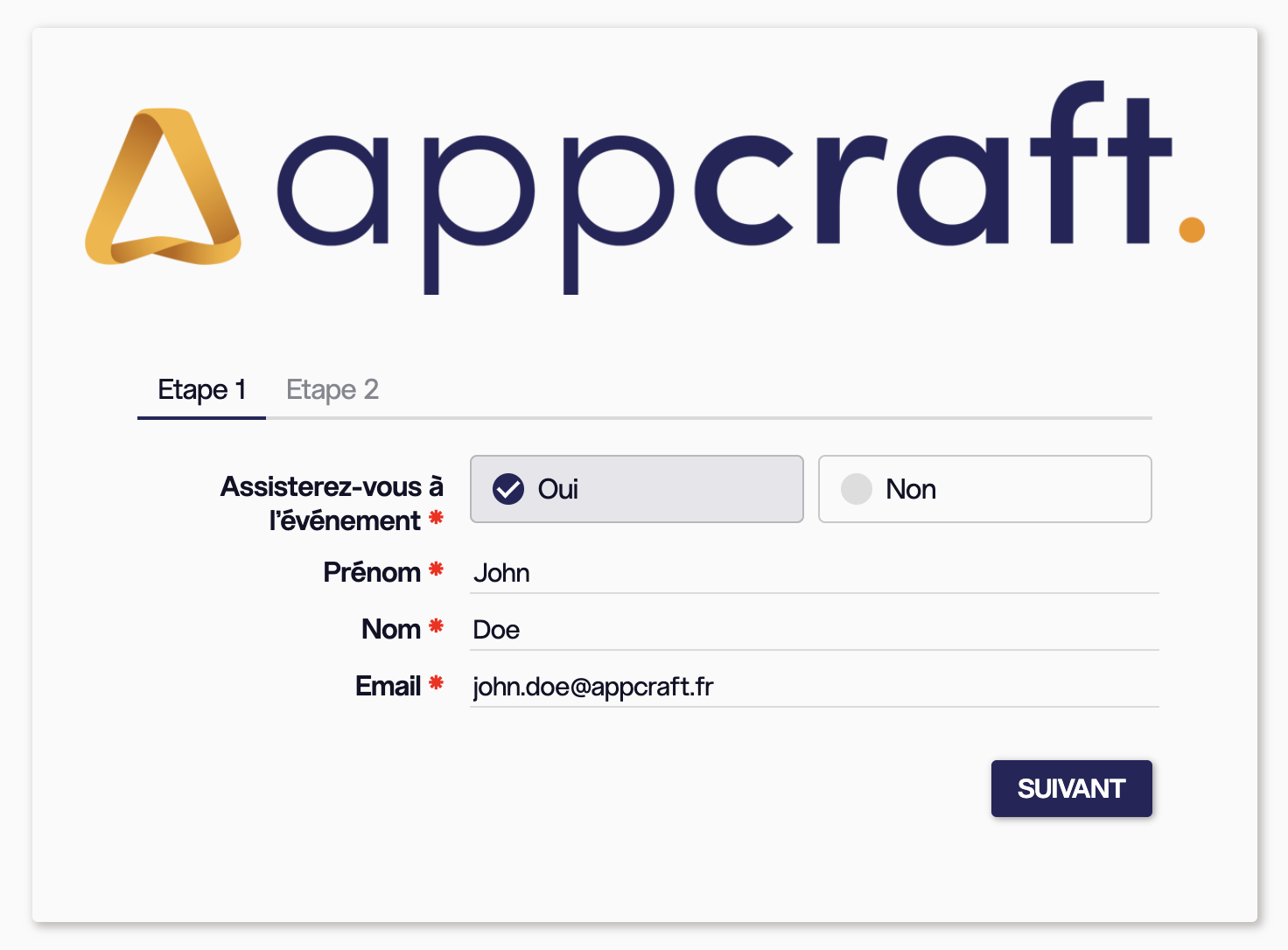

>Phase 1: Registration
• Participants enter their information and confirm their attendance in the first tab of the form.
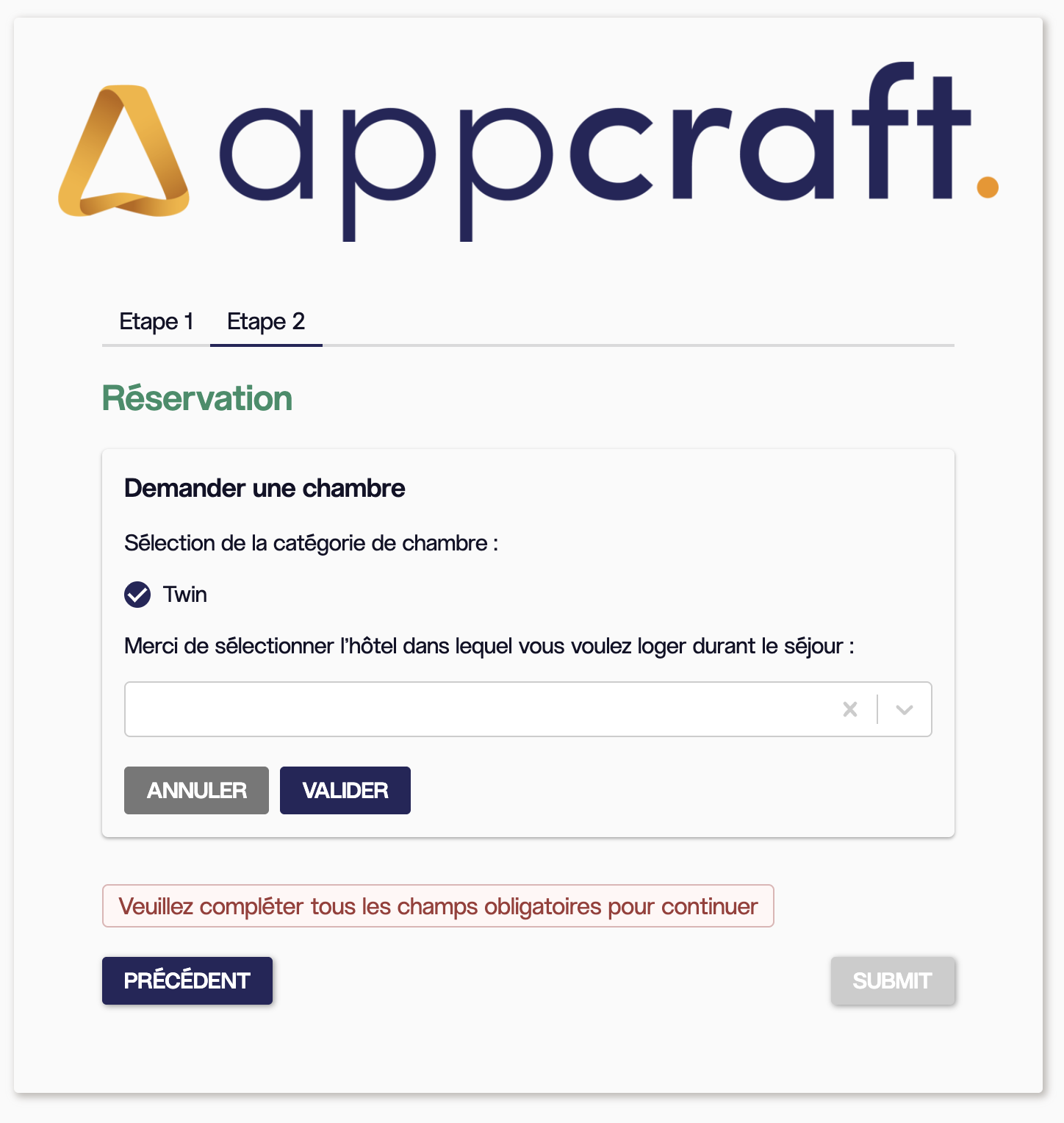
>Phase 2: Reservation
• They then proceed directly to the second tab to select their hotel, room category, and, if necessary, the participant(s) with whom they wish to share a room.
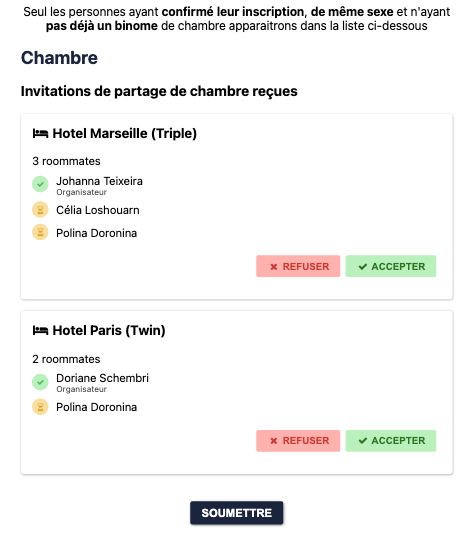
• They can then invite one or more participants to share a twin, triple, or other type of room from the list of people who have confirmed their attendance at the event.
• The room partner will receive the invitation via email and can accept or decline the offer.
• The organizer can also create and assign rooms directly from the back office.
• Single participants will simply need to select their hotel (we recommend marking guests as VIPs in the listing; this will restrict access to single rooms to those VIPs only)
> Summary of listings from the back office by room type – Exportable to an Excel file
Tracking the invitation process for all participants
• A single form for registration and rooming, with two tabs combined into a single workflow. There is no longer a need to create two separate forms.
• Data is retrieved automatically, and no page refresh is required.
• Facilitates the collection of necessary information and the management of rooming lists for attendees who have confirmed their attendance.
• Offers a personalized experience and gives participants control over their accommodations (hotels and rooms within those hotels can be tailored based on the participant’s profile)
• Encourages interaction among participants, strengthens connections, and helps create a friendly atmosphere during the event
• Enables efficient management of room assignments, simplifies the process, and prevents potential errors
• If participants are staying in twin rooms and have not selected a roommate, the administrator can easily assign roommates automatically.
• Facilitates data visualization and participant management