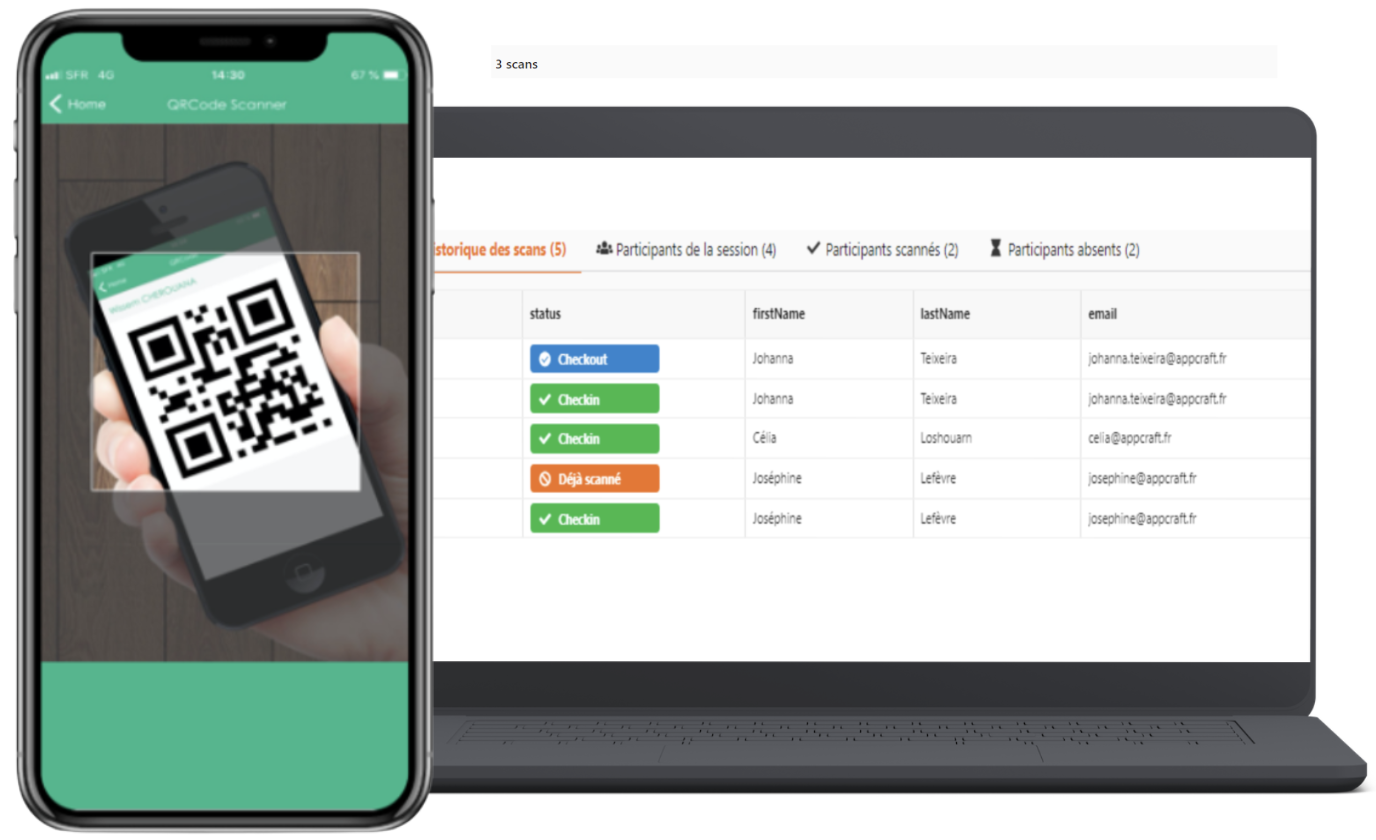
Creation of a QR code per participant sent by email and/or available on the mobile solution (PWA) depending on the option chosen.
For staff:
• Use of the AppCraft Check-In application
• Available on all days of the event
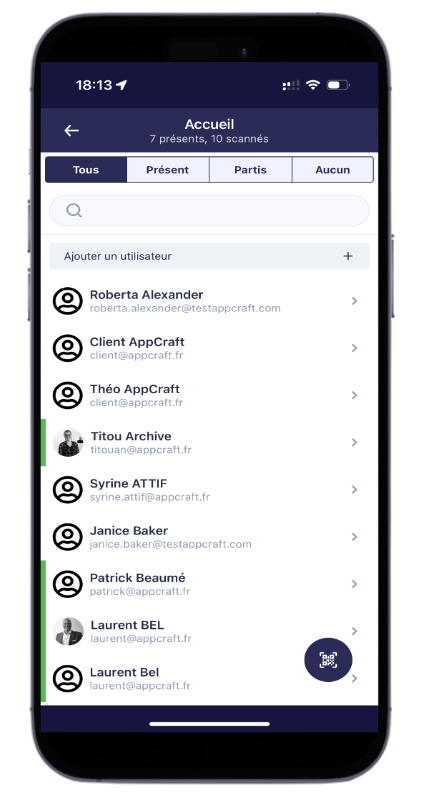
• Scanning of QR codes or manual list with search engine
• Option to add participants to a session on the fly (participants already registered for the event)
• Unlimited check-in sessions (transfers, training attendance, etc.)
• Participant entry/exit from a room.
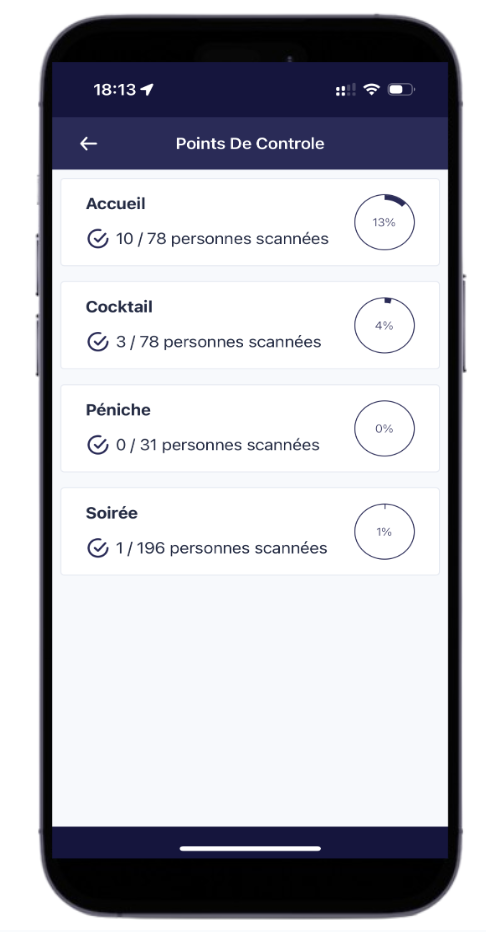
• Management of capacity limits and quotas.
• Real-time statistics on participants on site available via the back office.
> QR codes can be scanned offline (a 4G or Wi-Fi connection is still required for updates with the server and to synchronize the various scanning operations if there are several devices).
> People can be registered on the fly on the day of the event.
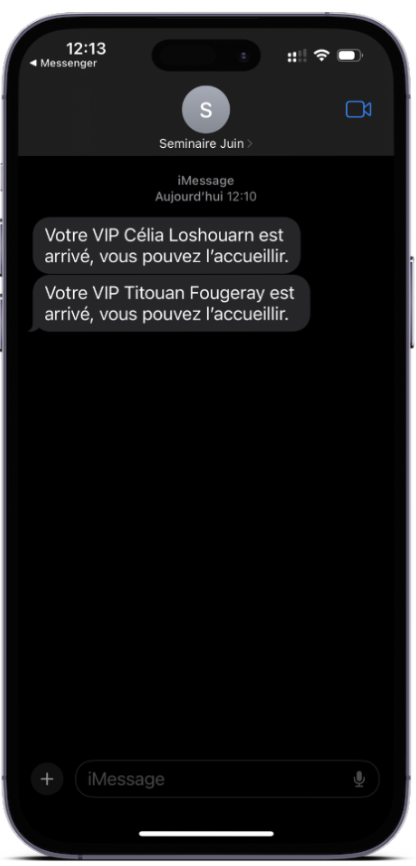
> SMS notification when a VIP arrives (requires an SMS package).
> Our new "Reception Desk" module provides your hosts/hostesses with a simplified view of participants, with search by first/last name, access to their registration form if necessary, and the ability to register a new person on the fly. (A 4G or Wi-Fi connection is also required to download the AppCraft check-in app onAndroidoriOSor to connect to the reception desk)
It also allows you to view and print their badges
> A smartphone or tablet is required for scanning (AppCraft can rent these to you).
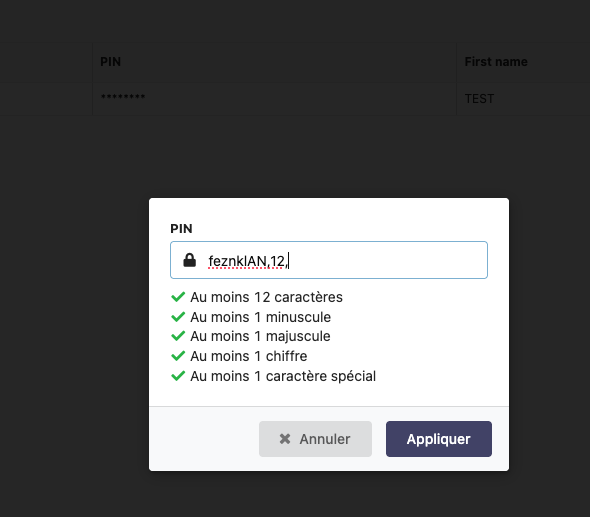
New security feature: the PIN for the check-in app now consists of at least 12 characters, including at least one lowercase letter, one uppercase letter, one number, and one special character.
• Quickly and efficiently identify participants.
• Save time with a simple scan – approximately 2 seconds per participant.
• Flexibility to add participants: Staff can add participants on the fly during a session, even if they are already registered for the event.
• Facilitates attendance management and verification of participant presence during scheduled activities.
• Ensures a balanced distribution of participants and helps avoid overcapacity or capacity constraints.
• Allows youto track the progress of the event, make data-driven decisions, and react quickly when needed.