

No longer do you have to choose between interactivity and peace of mind. AppCraft brings together the best of Social Wall, Quizzes, and Q&A in one seamless interface. With automatic photo moderation and message filtering, you can give participants a voice without overburdening your organizing teams.


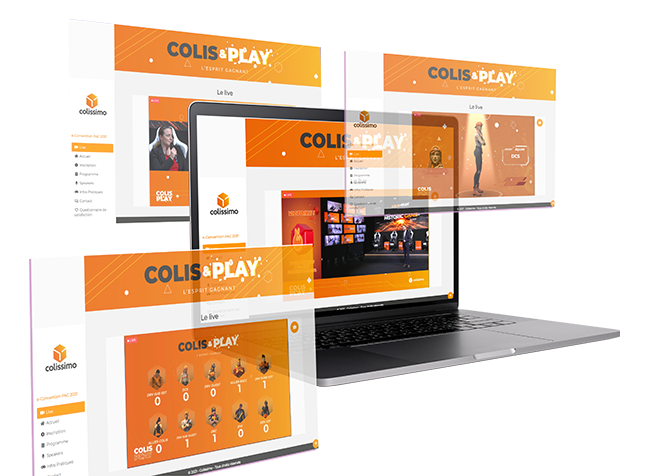
Display your participants' photos and messages on a giant screen to create an immediate sense of belonging. Unlike traditional solutions, our AI analyzes each image before publication to automatically block inappropriate or violent content. You no longer need to assign someone full-time to manually approve each photo: the feed is live, instantaneous, and secure.
Turn monologues into dialogues. Participants ask questions from their mobile phones and vote for the most relevant ones ("Upvote"), allowing the speaker to address priority topics. Thanks to our customizable Blacklist system, sensitive or vulgar keywords are automatically filtered out, ensuring constructive exchanges without the risk of verbal abuse on screen.
Our Quiz module adapts to your scenario. In "Live" mode, energize a plenary session with timed questions and live rankings to wake up the room. In "Autonomy" mode, allow participants play at their own pace (before the event or during breaks) to test their knowledge or earn points, reinforcing the educational impact of your content.
Don't let photos get lost in phone memories. Provide a unique space where organizers and participants can upload their photos. It's a powerful tool for after the event: you can effortlessly collect hundreds of authentic pieces of content for your future communications, while offering guests easy access to memories of the day.
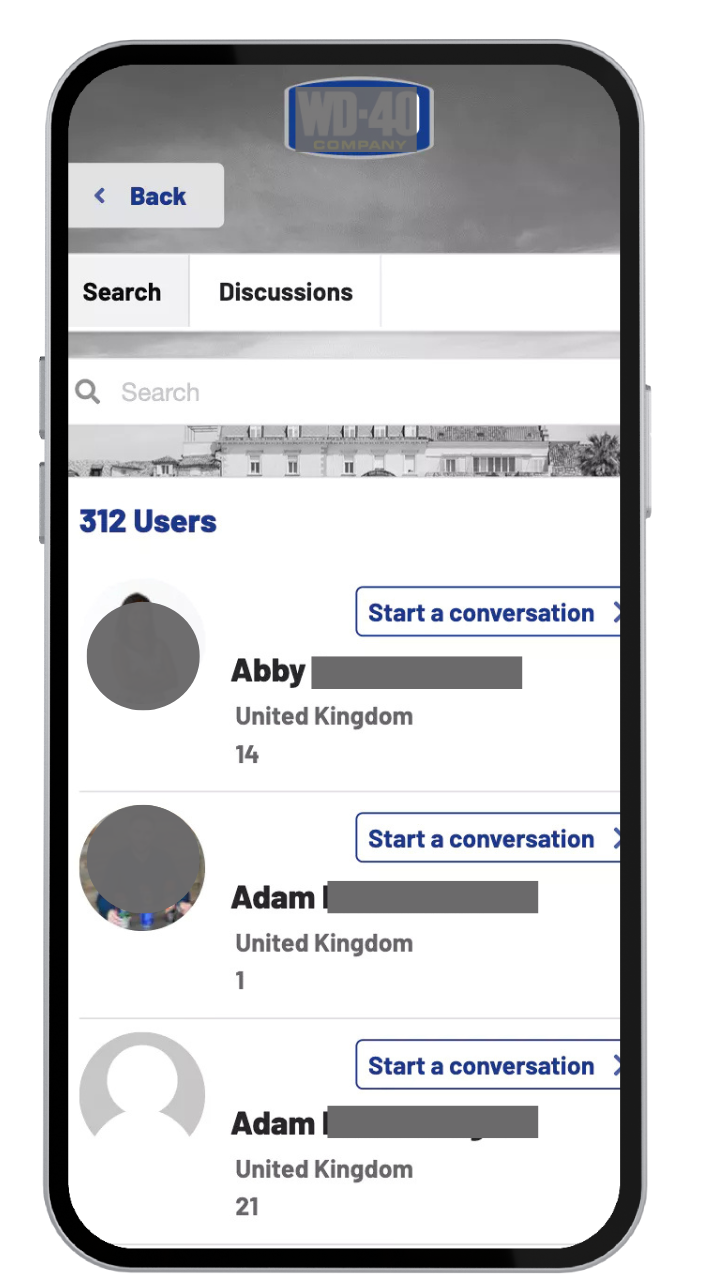
Forget about endless technical settings. Our engagement modules are pre-configured to be activated in just a few clicks, saving you precious time during the pre-event rush. After the event, access a clear dashboard: retrieve all high-definition photos, analyze participation rates, and export voting results to prove the ROI of your event to your stakeholders.
The choice of interactive tools depends on the event format and the participation goals.
At a conference, Q&A sessions allow you to gather questions from the audience, while polls make it easier to gather opinions. During a seminar or training session, quizzes can be used to test knowledge and liven up the presentations.
AppCraft brings together several engagement features—including Q&As, quizzes, and the Social Wall—on a single event platform.
The key is to choose each animation based on its usefulness rather than simply adding more and more interactions.
These three tools serve different purposes.
A survey is used to gather participants' opinions or preferences. A quiz is used to test their knowledge, typically through questions with predefined answers. A Q&A session, on the other hand, allows participants to submit questions to the speakers.
With AppCraft, participants can ask questions from their smartphones and vote for the ones that interest them. Quizzes can be held live, with a leaderboard, or on their own.
For example, at a conference, a poll can introduce the topic, a quiz can test participants' knowledge, and a Q&A session can foster deeper discussion.
To encourage participation, it is important to provide a simple and accessible system, especially for people who are hesitant to speak in front of a group.
A digital Q&A solution allows participants to submit their questions from their smartphones without interrupting the speakers.
With AppCraft, participants can also vote on questions suggested by others. This allows the facilitator to identify the topics that generate the most interest.
For the session to be effective, it is recommended that you announce the participation guidelines as soon as the session begins and set aside time to answer selected questions.
A Social Wall allows photos and posts from participants to be displayed on screens at an event. It is particularly well-suited for conventions, seminars, and events that aim to encourage the sharing of experiences.
AppCraft offers a Social Wall that includes automatic image moderation powered by artificial intelligence, designed to detect certain potentially inappropriate content before it is posted.
The Q&A module also features customizable filtering for sensitive keywords. These tools make the organizers' jobs easier, but human oversight is still recommended to handle ambiguous situations.
To measure engagement at an event, it is recommended to track several metrics: participation rates in activities, quiz responses, voting results, and participant contributions.
AppCraft offers a dashboard that allows users to analyze participation rates and export voting results, among other features. This enables organizers to identify which activities generated the most engagement and to analyze this data after the event.
However, these statistics must be supplemented by qualitative feedback from participants: a high number of interactions does not necessarily mean that the event achieved its objectives.