

The direct, unlimited, and free communication channel to keep your participants informed, manage unexpected events, and set the pace for your event without blowing your SMS budget.


SMS campaigns are expensive, limited in characters, and often impersonal. With AppCraft, send as many notifications as you want at no extra cost. Enrich your messages with emojis or links redirecting to pages within the app (e.g., "The buffet is open, click to see the menu"). You maximize the impact of your communication while staying within your logistics budget.
This feature will save you hours of configuration time. Instead of manually programming 50 reminders for your 50 workshops, configure a single "Global Rule" (e.g., "Alert 10 minutes before start"). The app analyzes each participant's personalized calendar and triggers the notification at the precise moment they need it. Your rooms fill up on time, without you having to lift a finger.
Avoid the "spam" effect that causes users to disable notifications. Our tool allows for detailed segmentation: send logistics information only to "Staff," remind only "VIPs" about the gala dinner, or notify only "Workshop A registrants" about a room change. Each participant receives information that is relevant to them personally, dramatically increasing the read rate.
The unexpected is part of event management. With AppCraft, you're never caught off guard. From your back office (or even your administrator smartphone), send an instant alert to notify people of a change in the program. The notification arrives immediately on mobile devices, ensuring logistical fluidity even in crisis situations. It's your peace of mind insurance.
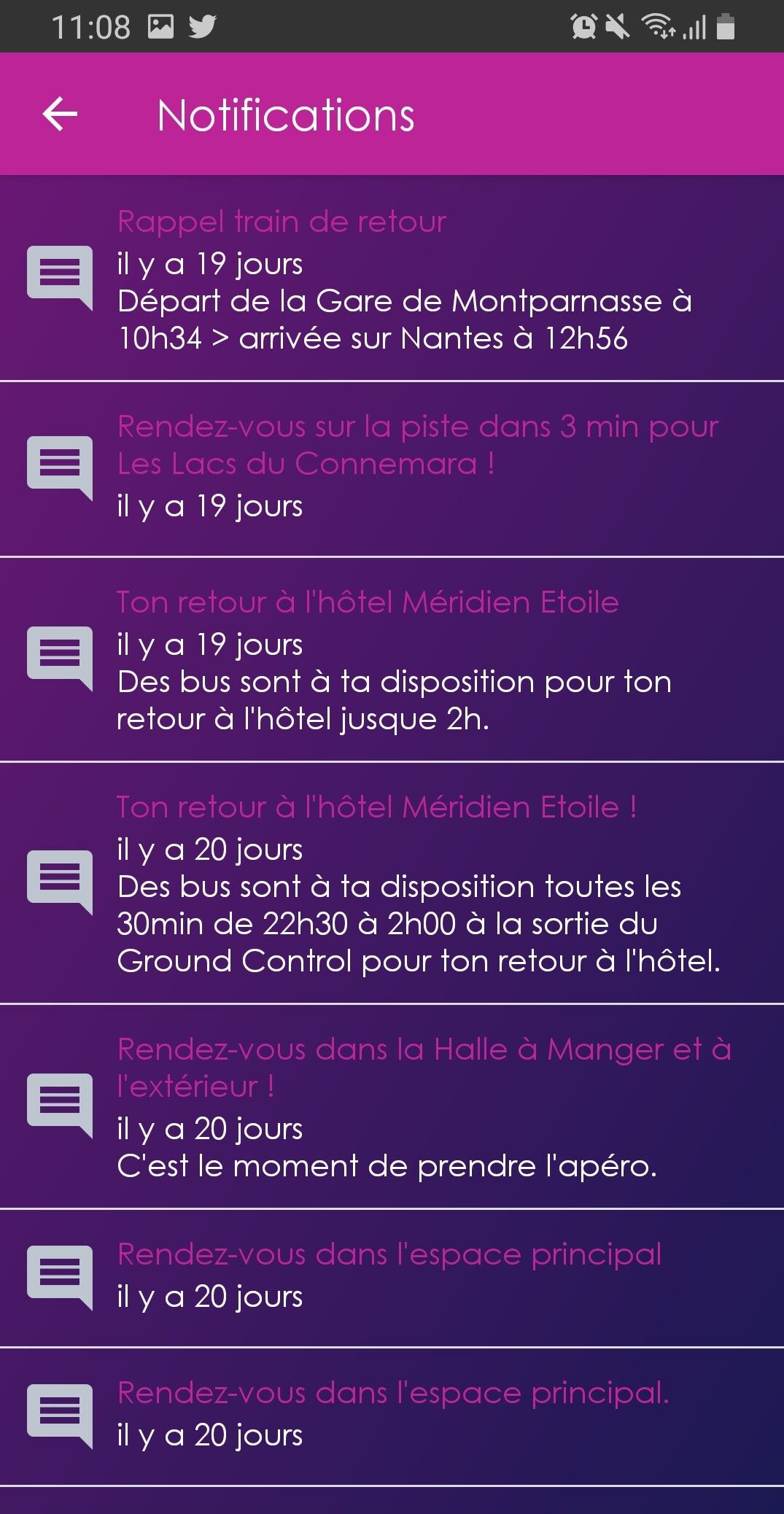
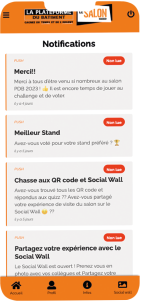
A notification read in a hurry is quickly forgotten. To overcome this problem, AppCraft integrates a real inbox into the participant application. All messages received are archived chronologically. Participants can thus find a Wi-Fi code sent in the morning, practical information, or a schedule change at any time, even if they have deleted the initial notification from their home screen.
The choice of an event notification solution depends on the number of participants, their profiles, and the information to be communicated before and during the event.
For a conference or seminar, choose a tool that allows you to schedule reminders, target different groups, and send alerts in case of unforeseen circumstances.
AppCraft combines push notifications, targeted communications, and attendee data within a single platform. This allows organizers to tailor their messages to the program and the needs of each guest.
A push notification is sent from an event app. It is used, among other things, to send reminders, practical information, and links to event content. However, whether a user receives it depends on their notification permissions and the device's technical specifications.
A text message is sent directly to a phone number and does not require a dedicated app, but its cost generally depends on the volume of messages sent.
AppCraft offers push notifications at no additional cost, as well as SMS communication options. The choice of channel depends on the urgency of the message and the recipient's circumstances.
For an event with many sessions, manually scheduling each reminder can quickly become time-consuming.
AppCraft allows you to set a general notification rule, such as ten minutes before the start of an activity. The platform then uses participants' personalized schedules to trigger reminders for the sessions they are registered for.
This automation is particularly useful for conferences, seminars, and conventions that feature multiple concurrent sessions or workshops. It eliminates the need to configure each message individually while tailoring reminders to participants’ schedules.
To avoid sending the same information to all participants, it is recommended that you segment your communications based on profiles, registrations, and actions taken during the event.
AppCraft allows you to set targeting criteria so that, for example, you can send a room change notification only to the relevant registrants, a dinner reminder to VIPs, or logistical information to the organizing teams.
Notifications can also be linked to specific stages of the participant's journey. For example, a welcome message can be triggered after a check-in.
This customization makes it possible to convey relevant information without sending a flood of unnecessary messages.
Push notifications facilitate real-time communication, but their effectiveness depends, among other things, on the Internet connection, the permissions granted by users, and the frequency of notifications.
To avoid information overload, focus on information that is truly useful and tailor your messages to the participants' profiles. Reserve general alerts for information that is important to the entire audience.
With AppCraft, organizers can segment their communications and schedule personalized reminders. Messages are also stored in an in-app inbox, allowing participants to find information even after they’ve closed the notification.