
As a freelance Event Manager, time is your most valuable resource. Good news: setting up an event mobile app shouldn't take days. Discover the 10-step checklist to deploy a complete mobile app in less than 2 hours thanks to AppCraft's intuitive interface.
Between managing the venue, speakers, registrations, and unexpected events, freelancers don't have the luxury of spending a week setting up a tool.
An effective event website must be:
• Quick to learn
• Intuitive
• Technically independent
• Configurable without a developer
The goal is not just to create an application.
The goal is to deploy an operational tool immediately.
With AppCraft, configuration becomes a structured and seamless process.
Step 1 – Create the event (5 minutes)
• Event name
• Dates
• Time zone
• Language
• Logo
The AppCraft interface allows you to create a new event in just a few clicks, without any complex configuration.
Step 2 – Customize the visual identity (10 minutes)
• Brand colors
• Fonts
• Cover image
• Splash screen
An application aligned with the client's identity immediately reinforces the professional perception.
Step 3 – Import participants (10 minutes)
• Import CSV
• CRM synchronization
• Assign roles (participants, speakers, partners)
Automated import eliminates manual entries and errors.
Step 4 – Configure the program (15 minutes)
• Creating sessions
• Adding speakers
• Categorizing content
• Setting up rooms
The drag-and-drop interface allows you to structure the program in just a few minutes.
Step 5 – Enable networking (10 minutes)
• Participant profiles
• Internal messaging
• Appointment scheduling
• Smart suggestions
Networking becomes a lever that can be activated without specific development.
Step 6 – Set up live engagement (15 minutes)
• Q&A
• Votes
• Polls
• Social wall
Activation is done session by session, without any complex technical configuration.
Step 7 – Set up notifications (10 minutes)
• Push before the event
• Session reminders
• Partner messages
Notifications are scheduled from a single dashboard.
Step 8 – Set up check-in & badges (10 minutes)
• QR code generation
• Mobile scanning
• Real-time list export
AppCraft centralizes access and management of participant feeds.
Step 9 – Check real-time statistics (5 minutes)
• Engagement dashboard
• Activation rate
• Interactions per session
The data is immediately visible, without any additional configuration.
Step 10 – Test the user experience (10 minutes)
• Participant journey simulation
• Notification verification
• Networking test
Before the official opening, the freelancer validates the entire route.
In less than 120 minutes, freelancers have access to:
• A comprehensive application
• A structured program
• Active networking
• Ready-to-use engagement tools
• An integrated measurement system
The gain is not only operational.
It is strategic:
• Less stress
• More control
• More time for customer relations
• More perceived value
Simplicity is based on:
• Modular architecture
• Activated block logic
• Centralized interface
• Native integrations (CRM, payment, badge, streaming)
Freelancers don't need to be technical.
They follow a business logic.
AppCraft was designed for organizers, not developers.
By quickly mastering the configuration of an event-based mobile application, freelancers:
• Reduce their production times
• Secure their deliverables
• Impress their clients with their technological expertise
• Position themselves as Event Tech experts
The tool becomes a performance lever, not a technical constraint.
Setting up an event app should not be a project in itself.
With an intuitive interface like AppCraft's, freelancers can:
• Deploy quickly
• Adapt easily
• Measure effectively
• Promote their expertise
In less than 2 hours, the application is ready.
And you can focus on what really matters: the event experience.
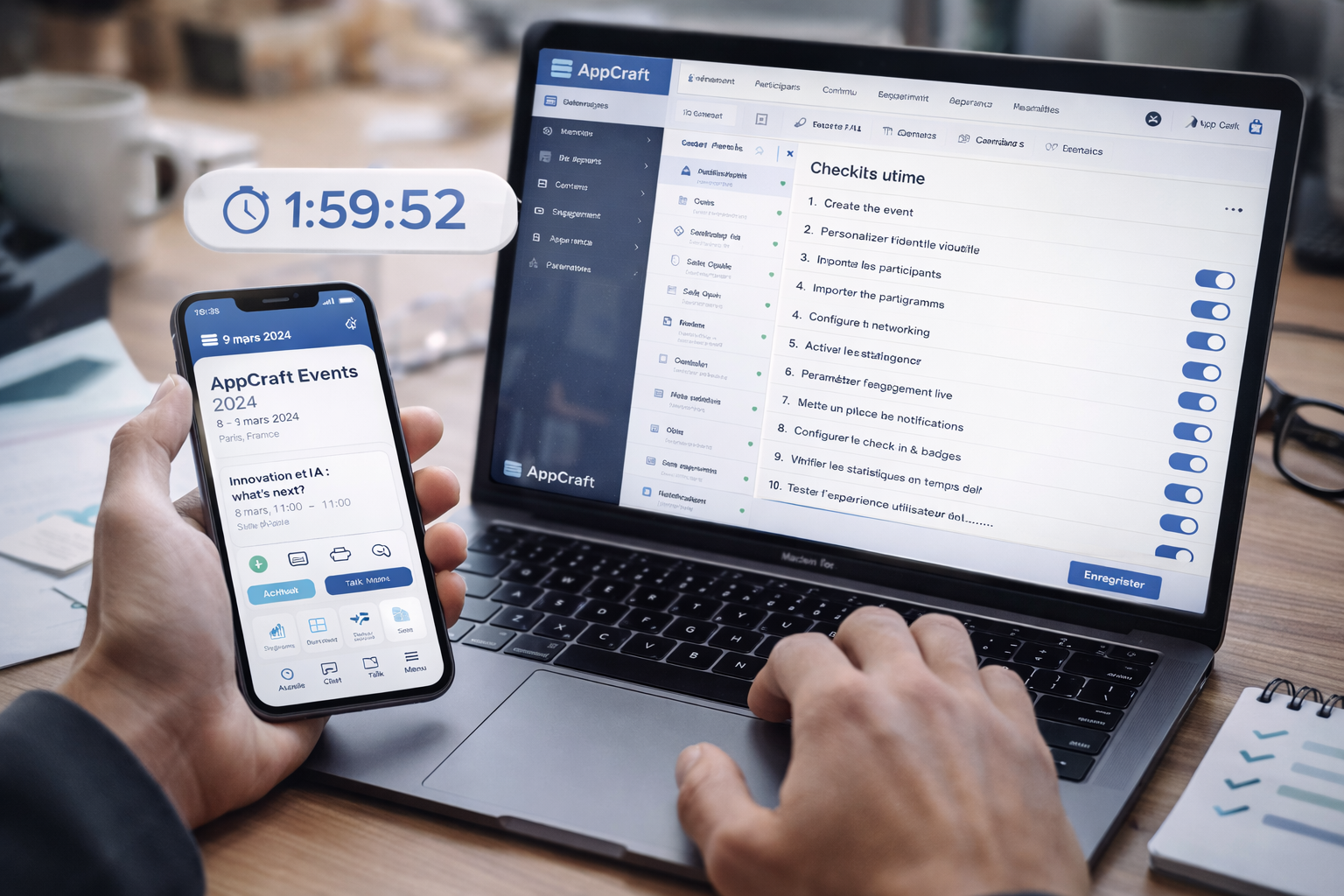
To set up an event app quickly, it’s best to follow a structured approach: customize the visual identity, import attendees, create the program, add speakers, configure notifications, and test and validate everything before the day of the event. Proper preparation helps minimize errors and delays.
The key features include the program, speaker profiles, practical information, notifications, networking, maps, documents, questionnaires, and check-in. Their setup ensures a seamless experience and makes it easy for participants to access information.
With AppCraft, event organizers can set up their event app from a single platform: graphic customization, attendee management, schedule, communications, networking, check-in, and statistics. Reusable templates and automations make it possible to launch a fully featured app quickly, while maintaining a high level of customization.
• Why Choose AppCraft Everywhere for Your Digital Events?
• Corporate Social Responsibility: Integrate Your CSR Commitments into Your Events
• Top 5 Tools for Event Project Managers in 2026
• Employee Engagement and Knowledge Management in Companies
• HR Challenges – What Role Do People Play in the Company?