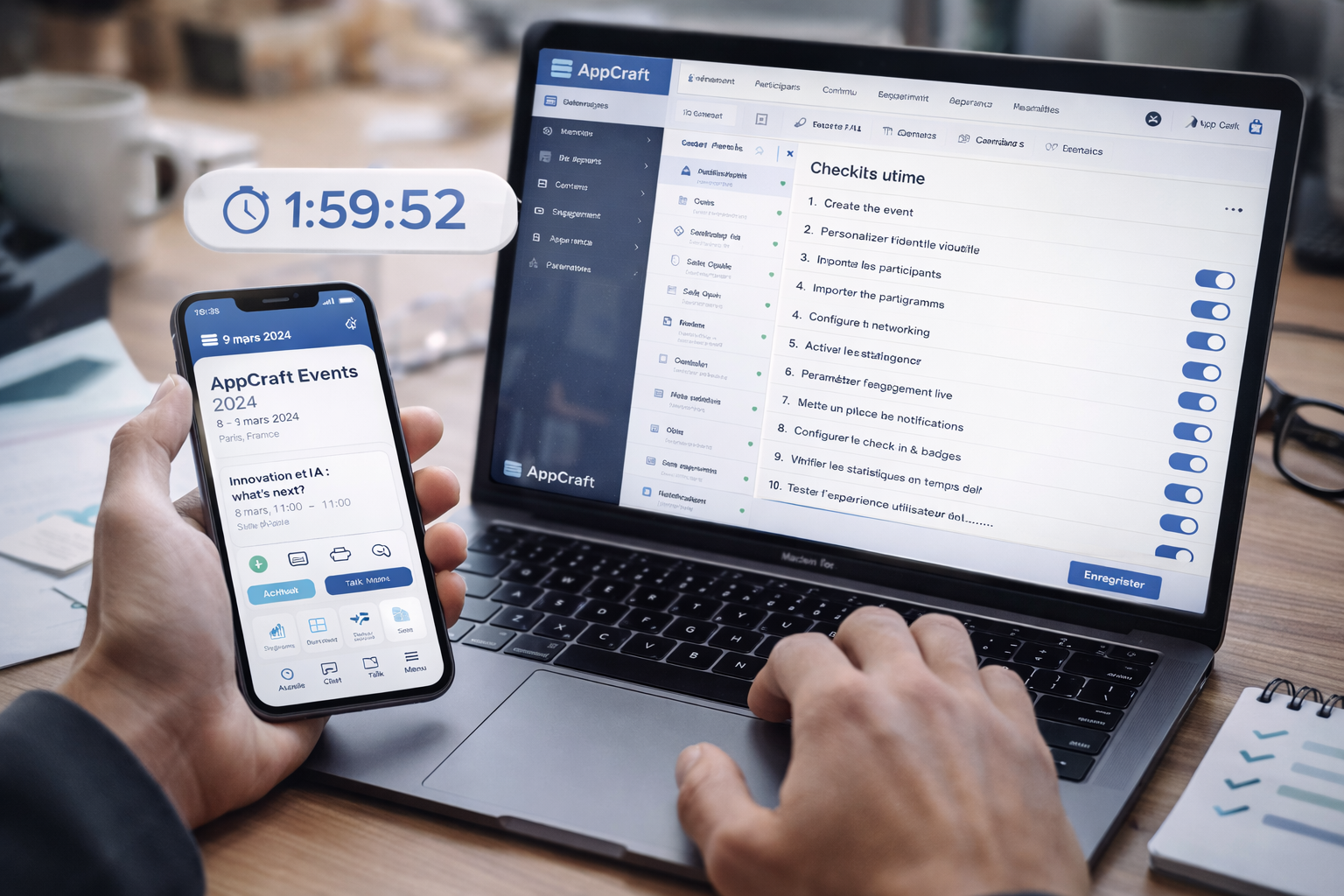
As a freelance Event Manager, time is your most valuable resource. Good news: setting up an event mobile app shouldn't take days. Discover the 10-step checklist to deploy a complete mobile app in less than 2 hours thanks to AppCraft's intuitive interface.
Between managing the venue, speakers, registrations, and unexpected events, freelancers don't have the luxury of spending a week setting up a tool.
An effective event website must be:
• Quick to learn
• Intuitive
• Technically independent
• Configurable without a developer
The goal is not just to create an application.
The goal is to deploy an operational tool immediately.
With AppCraft, configuration becomes a structured and seamless process.
Step 1 – Create the event (5 minutes)
• Event name
• Dates
• Time zone
• Language
• Logo
The AppCraft interface allows you to create a new event in just a few clicks, without any complex configuration.
Step 2 – Customize the visual identity (10 minutes)
• Brand colors
• Fonts
• Cover image
• Splash screen
An application aligned with the client's identity immediately reinforces the professional perception.
Step 3 – Import participants (10 minutes)
• Import CSV
• CRM synchronization
• Assign roles (participants, speakers, partners)
Automated import eliminates manual entries and errors.
Step 4 – Configure the program (15 minutes)
• Creating sessions
• Adding speakers
• Categorizing content
• Setting up rooms
The drag-and-drop interface allows you to structure the program in just a few minutes.
Step 5 – Enable networking (10 minutes)
• Participant profiles
• Internal messaging
• Appointment scheduling
• Smart suggestions
Networking becomes a lever that can be activated without specific development.
Step 6 – Set up live engagement (15 minutes)
• Q&A
• Votes
• Polls
• Social wall
Activation is done session by session, without any complex technical configuration.
Step 7 – Set up notifications (10 minutes)
• Push before the event
• Session reminders
• Partner messages
Notifications are scheduled from a single dashboard.
Step 8 – Set up check-in & badges (10 minutes)
• QR code generation
• Mobile scanning
• Real-time list export
AppCraft centralizes access and management of participant feeds.
Step 9 – Check real-time statistics (5 minutes)
• Engagement dashboard
• Activation rate
• Interactions per session
The data is immediately visible, without any additional configuration.
Step 10 – Test the user experience (10 minutes)
• Participant journey simulation
• Notification verification
• Networking test
Before the official opening, the freelancer validates the entire route.
In less than 120 minutes, freelancers have access to:
• A comprehensive application
• A structured program
• Active networking
• Ready-to-use engagement tools
• An integrated measurement system
The gain is not only operational.
It is strategic:
• Less stress
• More control
• More time for customer relations
• More perceived value
Simplicity is based on:
• Modular architecture
• Activated block logic
• Centralized interface
• Native integrations (CRM, payment, badge, streaming)
Freelancers don't need to be technical.
They follow a business logic.
AppCraft was designed for organizers, not developers.
By quickly mastering the configuration of an event-based mobile application, freelancers:
• Reduce their production times
• Secure their deliverables
• Impress their clients with their technological expertise
• Position themselves as Event Tech experts
The tool becomes a performance lever, not a technical constraint.
Setting up an event app should not be a project in itself.
With an intuitive interface like AppCraft's, freelancers can:
• Deploy quickly
• Adapt easily
• Measure effectively
• Promote their expertise
In less than 2 hours, the application is ready.
And you can focus on what really matters: the event experience.
• Why Choose AppCraft Everywhere for Your Digital Events?
• Corporate Social Responsibility: Integrate Your CSR Commitments into Your Events
• Top 5 Tools for Event Project Managers in 2026
• Employee Engagement and Knowledge Management in Companies
• HR Challenges – What Role Do People Play in the Company?