
CommunicationArticle 10 of 13
Use the event's email inbox (Webmail)
The Webmail module gives you access to your event’s email inbox from the back office. You can read participants’ answers and reply to them without leaving AppCraft Events.
Before you begin
Section titled “Before you begin”- The module is enabled upon request: contact your project manager or support.
- It is available only if the event’s domain name was purchased through AppCraft.
- The AppCraft team sets up access to the email inbox. You don’t need to enter a username.
Open the email inbox
Section titled “Open the email inbox”- At the top of the left-hand menu, click Webmail.
- The email inbox opens directly on the page.
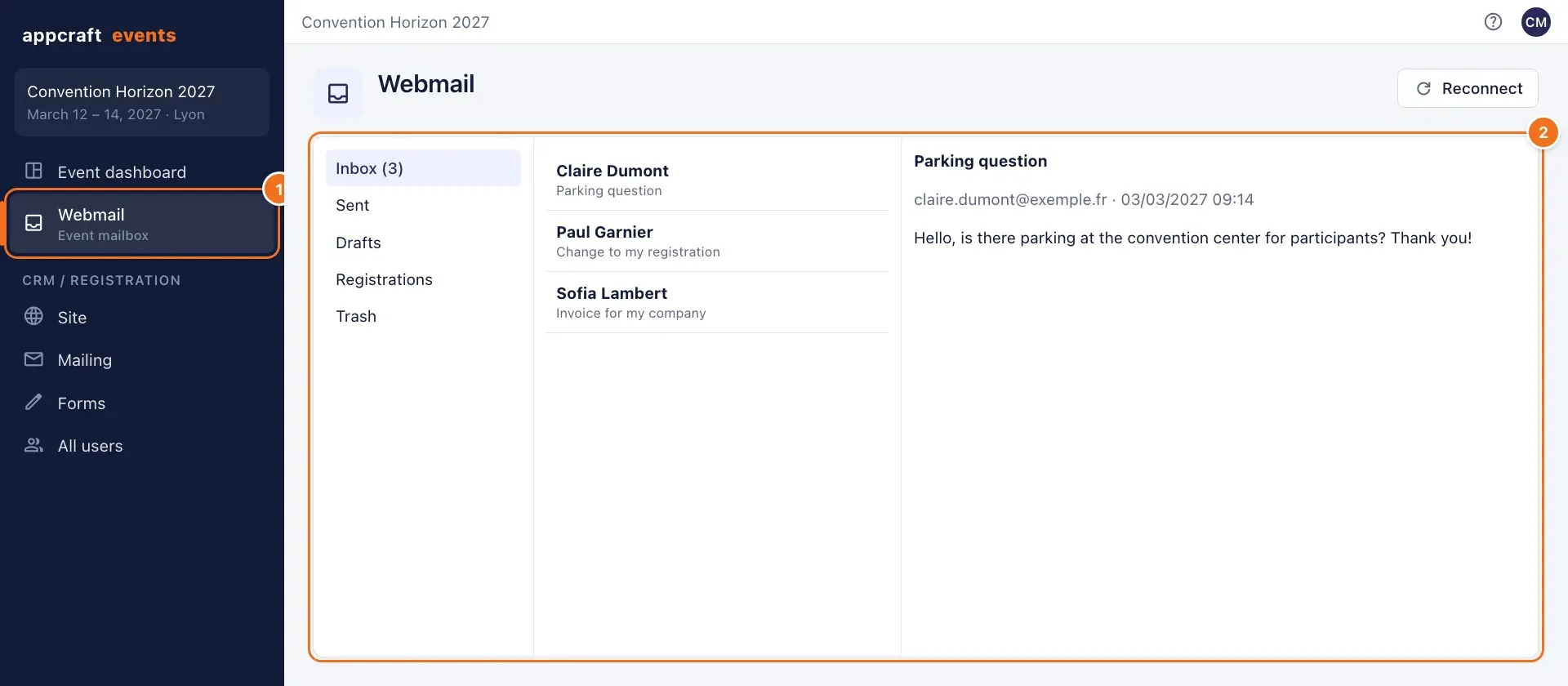
The interface resembles that of Outlook. You can read, reply to, and forward emails, compose new emails, and organize your emails into folders.
Frequently Asked Questions
Section titled “Frequently Asked Questions”The message “None of the email inboxes are configured for this event” is shown
Section titled “The message “None of the email inboxes are configured for this event” is shown”Access has not yet been set up. Contact your project manager or support.
The session has expired
Section titled “The session has expired”Click Reconnect at the top of the screen. If the message “Unable to open Webmail” persists, contact support.
See also
Section titled “See also”Was this page helpful?
Thanks for your feedback!
Can’t find your answer? Contact support
© AppCraft EventsAppCraft Events websiteLog inContact support