
StatisticsArticle 9 of 9
Complete the carbon footprint using the calculator
The Calculator tab adds items to the carbon footprint that the platform does not measure on its own: meals served, hotel stays, team travel, or any other emissions for which you know the value. This data is added to the Dashboard.
Before you begin
Section titled “Before you begin”The Carbon footprint module appears in the menu, under the Statistics section. See View the event’s carbon footprint.
The calculator’s sub-tabs
Section titled “The calculator’s sub-tabs”| Subtab | What you enter |
|---|---|
| Transport | Trips: Travel mode, Departure, Arrival, or Distance (km), Number of people |
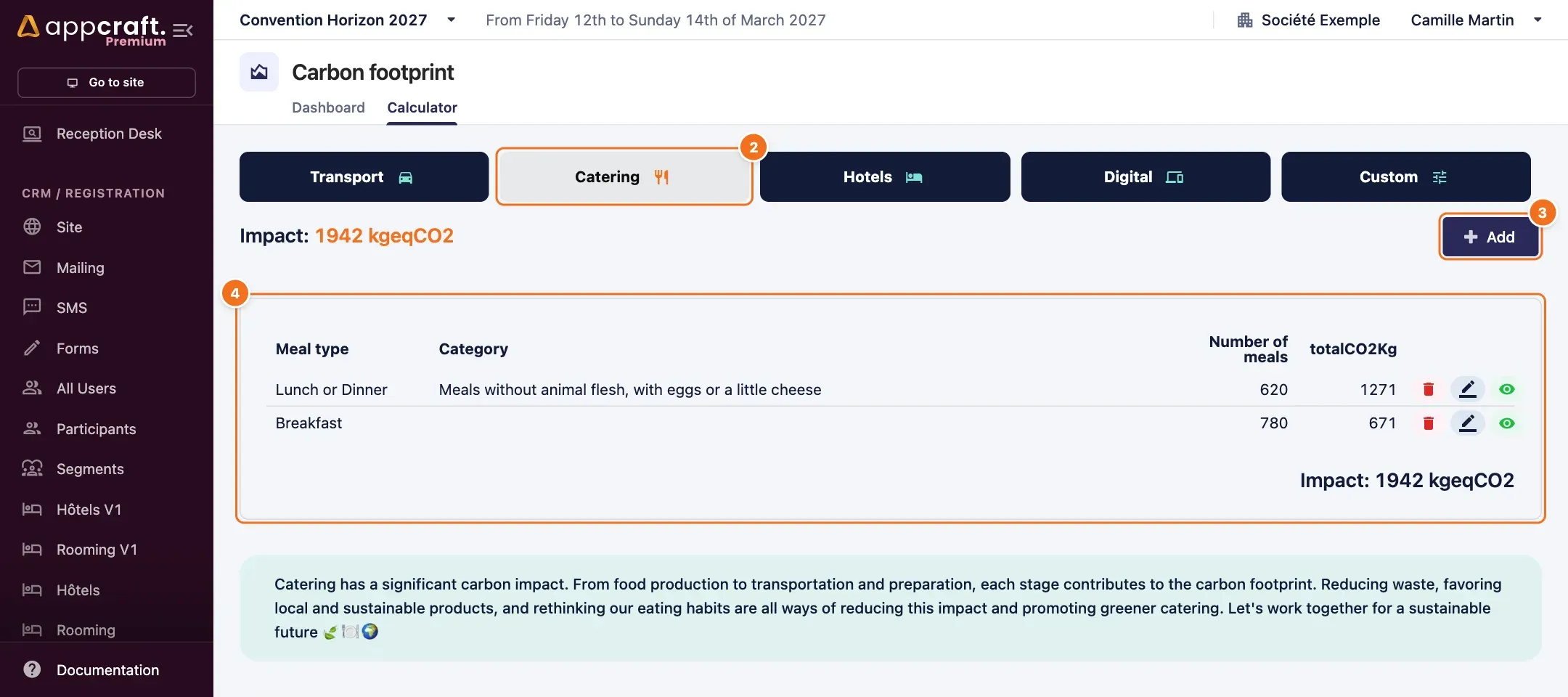
| Catering | Meals: Meal type, Category (meat, fish, vegetarian…), Number of meals |
| Hotels | Overnight stays: Hotel name, Type of hotel (1 to 5 stars), Room x Nights |
| Digital | Digital usage: E-mails sent, page views, live streams and replays watched |
| Other | All known emissions, entered directly in kgCO₂e |
Each row shows its calculated impact.
Add meals served
Section titled “Add meals served”- In the menu, click Carbon footprint, then click the Calculator tab.
- Open the Catering subtab.
- Click Add.
- Choose the Meal type and Category, then enter the Number of meals.
Add a known emission
Section titled “Add a known emission”- Open the Other sub-tab, then click Add.
- Enter the Entry name (for example, “Generator rentals”).
- Enter the number of people and the estimated carbon cost.
The result appears in the Other section of the Dashboard.
See also
Section titled “See also”Was this page helpful?
Thanks for your feedback!
Can’t find your answer? Contact support
© AppCraft EventsAppCraft Events websiteLog inContact support